Firestore ships with offline persistence turned on for iOS and Android, so a lot of people assume "offline-first" is a checkbox they've already ticked. It isn't. The SDK will cache documents and queue writes, but whether the app actually feels instant on a train or in a basement depends almost entirely on how the data is shaped. Get the model right and Firestore does the hard part for you. Get it wrong and you'll spend months adding loading spinners and retry logic to paper over it.
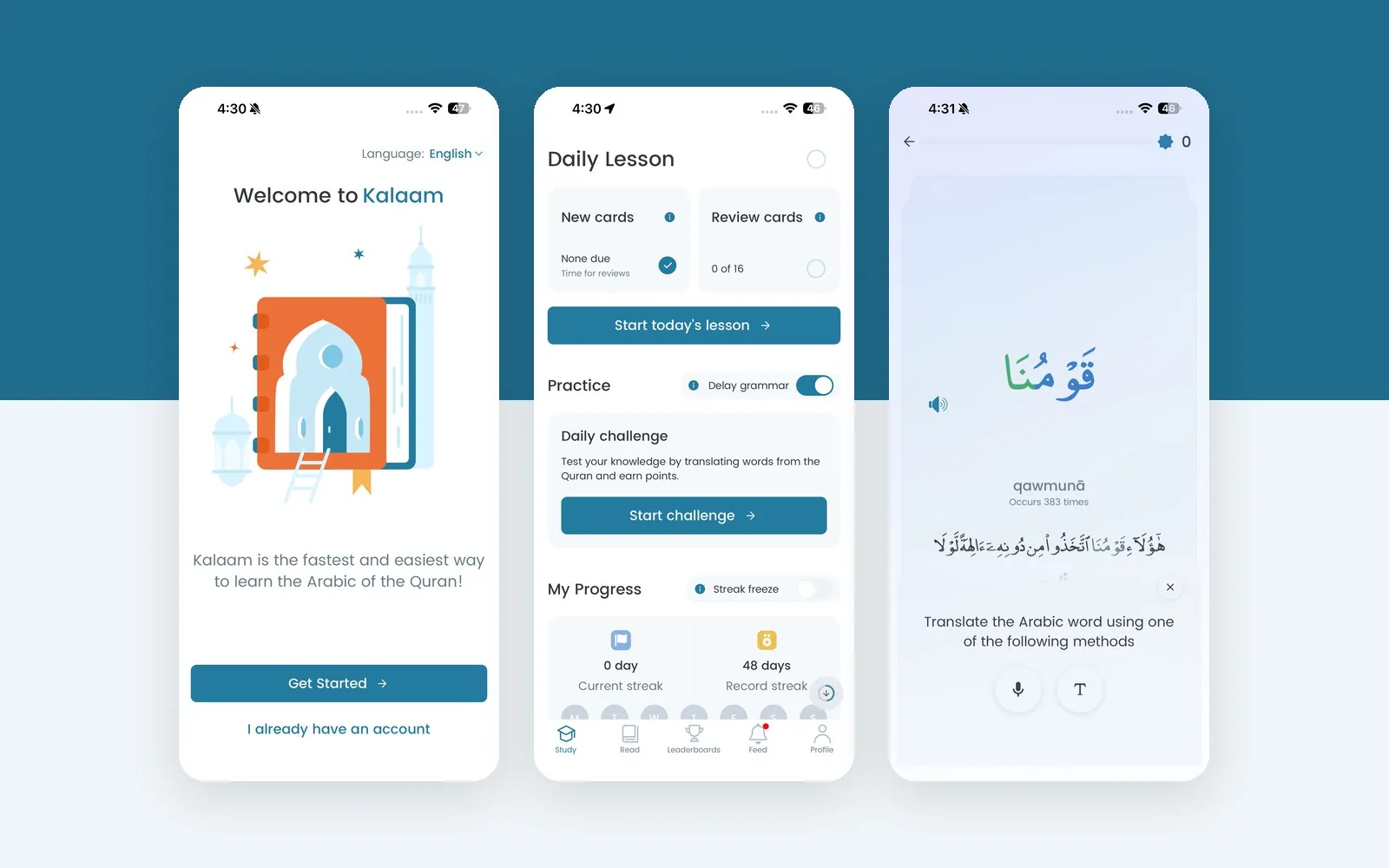
This is how I model Firestore for React Native apps where users expect things to work whether or not they have signal — the same approach that keeps a Quran-learning app usable for hundreds of thousands of learners, many of them on patchy mobile networks.
What the cache can and can't do
Two facts drive every decision below.
First, Firestore caches documents you've read and queries you've run. If a screen needs a document the user has never opened, it won't be there offline. So the model has to make sure the important data gets pulled in early, in as few reads as possible.
Second, offline writes are queued and replayed in order when the device reconnects. Each write is applied as a last write wins patch to the fields it touches. Two devices editing the same field will conflict silently; two devices editing different fields of the same document will merge fine. That single rule tells you how to split documents.
Split by who writes, not by what it "is"
The relational habit is to group data by entity: one users/{uid} document with everything about the user. For offline, group it by who writes it and how often.
A typical learning or social app ends up with something like this:
users/{uid}                     ← profile: display name, avatar, settings (user writes, rarely)
users/{uid}/progress/current    ← streak, level, last active (user writes, constantly)
users/{uid}/reviews/{itemId}    ← spaced-repetition state per item (user writes, offline-heavy)
users/{uid}/stats/summary       ← totals, rank (Cloud Function writes, never the client)
Why it matters offline: the progress document is small and written by exactly one device most of the time, so queued writes merge cleanly. The stats/summary document is written only by the server, so the client never queues a write to it and can never create a conflict. And the profile isn't cluttered with high-churn fields, so it stays cached and stable.
Contrast that with one big users/{uid} document holding all of it. A queued offline update to streak and a Cloud Function updating rank at the same time will step on each other, and every small change re-sends and re-caches the whole document.
Make the first screen one read
Before the user has done anything, the app needs enough to render the home screen. I aim for one document read, occasionally two.
// On app start — one listener that keeps the home screen alive offline
const unsubscribe = onSnapshot(
  doc(db, "users", uid, "progress", "current"),
  { includeMetadataChanges: true },
  (snap) => {
    setProgress(snap.data() as Progress);
    setPending(snap.metadata.hasPendingWrites);
    setFromCache(snap.metadata.fromCache);
  }
);
Everything the home screen shows — today's due count, streak, next lesson pointer — lives in that document. It's denormalised on purpose: the Cloud Function that processes a completed lesson also updates progress/current with the next due count, so the client never has to run a query to figure it out.
hasPendingWrites and fromCache are worth surfacing in the UI. A small "Saved on this device — will sync when online" hint beats a spinner that never resolves.
Keep per-item state as small documents, not arrays
Spaced repetition, watchlists, bookmarks, completed lessons — anything where the user accumulates per-item state — is tempting to store as an array on the user document:
// Don't do this
users/{uid} { reviewed: ["w_12", "w_57", "w_98", …] }
Arrays grow without bound, every change rewrites the whole thing, and two offline devices appending different items will overwrite each other. Use a subcollection with one document per item:
// users/{uid}/reviews/{wordId}
{
  interval: 4,          // days
  ease: 2.5,
  due: Timestamp,
  reps: 7,
  updatedAt: Timestamp,
}
The "what's due today" query is then cheap and cacheable:
const dueQuery = query(
  collection(db, "users", uid, "reviews"),
  where("due", "<=", Timestamp.fromDate(endOfToday())),
  orderBy("due"),
  limit(50)
);
Because it's the same query every day, Firestore keeps it warm in the cache. Offline, the user still sees today's reviews; the updates they make queue up and replay when they reconnect, one small patch per document.
Separate shared content from user state
Vocabulary lists, lesson content, movie catalogs, level definitions — anything the same for every user — should never be mixed into user documents. Two reasons: it bloats every user's cache with copies of the same content, and it makes content updates a fan-out write to every user.
Put it in its own collection, version it, and cache it deliberately:
content/{version}/lessons/{lessonId}
content/meta { currentVersion: 42 }
On startup, read content/meta (one read), compare to what's on disk, and only pull lessons the user hasn't cached yet. For large static content, a Firestore data bundle or a JSON file in Cloud Storage with a version stamp is cheaper still.
This also answers "what happens when the user is offline and the content changes?" — nothing, until they're back online and the version bumps. Old content keeps working because it's immutable by version.
Let the server own anything competitive
Leaderboards, follower counts, rankings, "trending" — anything multiple users influence at once — must be computed server-side and read by the client. Never have the client increment a shared counter directly; offline devices replaying queued increments hours later will produce numbers that don't add up, and you'll have no way to reconcile them.
The client writes an event (a completed challenge, a like), a Cloud Function aggregates, and the client reads the result:
// Client: append-only, safe to queue offline
await addDoc(collection(db, "users", uid, "events"), {
  type: "challenge_completed",
  points: 120,
  at: serverTimestamp(),   // resolved on the server, not the device clock
});

// Cloud Function: the only writer for stats/summary and leaderboards
export const onEvent = onDocumentCreated("users/{uid}/events/{id}", async (e) => {
  const { uid } = e.params;
  const points = e.data?.get("points") ?? 0;
  await db.doc(`users/${uid}/stats/summary`).set(
    { totalPoints: FieldValue.increment(points), updatedAt: FieldValue.serverTimestamp() },
    { merge: true }
  );
});
Note serverTimestamp(). Device clocks are unreliable, and an offline device replaying events with local timestamps will put them in the wrong order. Let the server stamp them.
Feeds: cache the first page, paginate the rest
For social or content feeds, offline users should see something — the last page they loaded. That happens for free if the feed query is stable and paginated by cursor:
const feedQuery = query(
  collection(db, "posts"),
  where("visibility", "==", "public"),
  orderBy("createdAt", "desc"),
  limit(20)
);
Denormalise what the card needs (author name, avatar, counts) into the post document so rendering the cached page doesn't trigger secondary reads that fail offline. Load subsequent pages with startAfter(lastDoc) only when online.
Security rules that don't break offline
Rules run on the server when writes are replayed, not when they're queued. So a write the device accepted offline can be rejected later, and the SDK will surface it as an error on the promise you've probably long stopped awaiting.
Two mitigations. Keep rules simple and ownership-based (request.auth.uid == uid on users/{uid}/**), so the client can't easily queue something that will be refused. And attach a listener for write failures so rejected writes at least get logged:
setDoc(ref, data, { merge: true }).catch((err) => {
  log.warn("Queued write rejected on sync", { path: ref.path, code: err.code });
});
Test offline like you mean it
The simulator's network toggle is not enough. On a real device: open the app online, kill it, enable airplane mode, reopen it, use it for five minutes, then reconnect and watch what syncs. Check Firestore in the console for documents that look wrong. Then do it with two devices on the same account.
The bugs you'll find are always the same: a screen that needed a document nobody had read yet, a shared counter the client was incrementing, and an array that got overwritten. Every one of them is a modeling problem, not a Firestore problem.
The pattern in one paragraph
Small documents split by writer and churn. One read for the first screen, denormalised on write by a Cloud Function. Per-item state as subcollections, not arrays. Shared content versioned and separate from user state. Anything competitive computed server-side from client-written events. Stable, cursor-paginated queries for feeds. Ownership-based rules. Test on real hardware with airplane mode.
If you're building or rescuing a React Native app on Firebase and offline behaviour is where it hurts, that's a large part of what I do on the Kalaam case study and in Firebase architecture work — or get in touch to talk through your data model.